 Sadho
Voice modes
The screenshots show a made-up person, “Demo Sadhak”, and demo data.
Last updated:
How does Trained voice work?
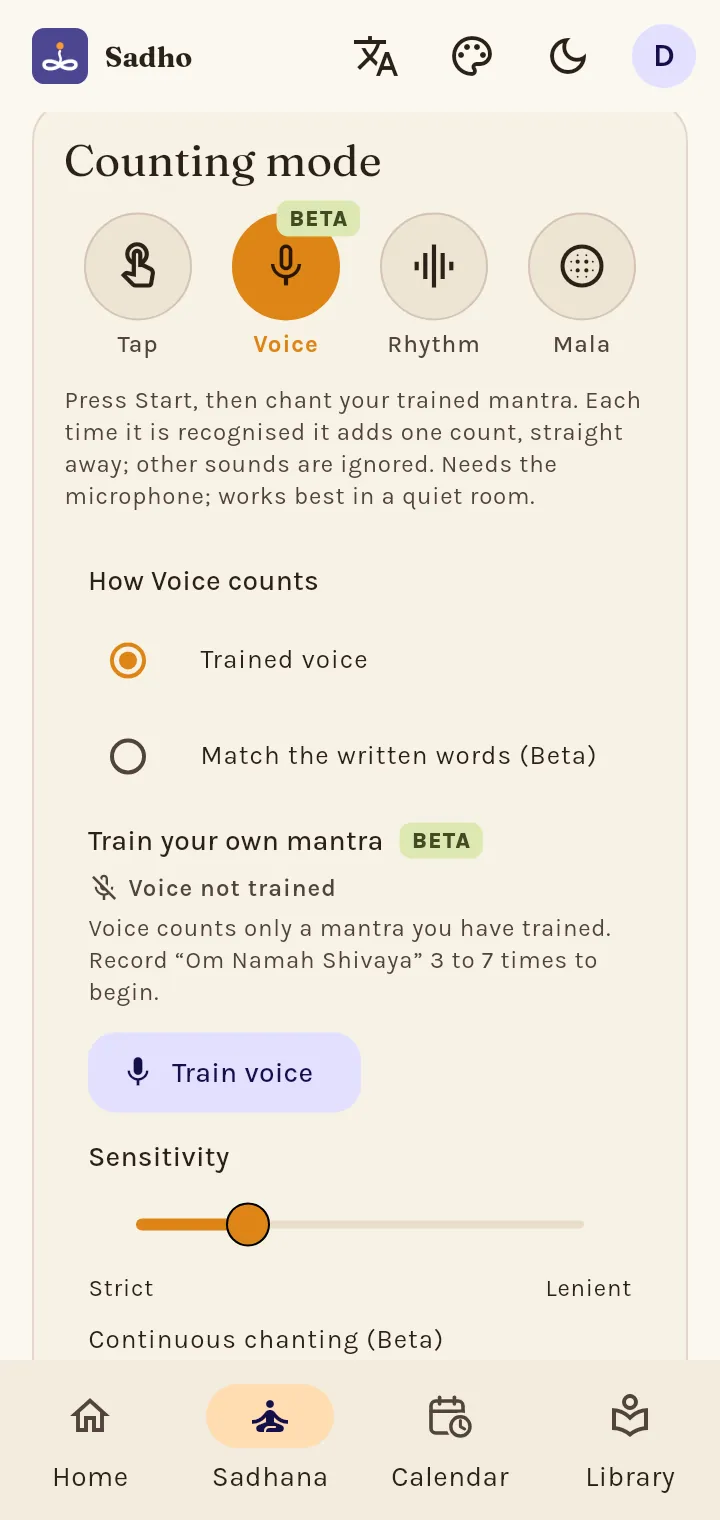
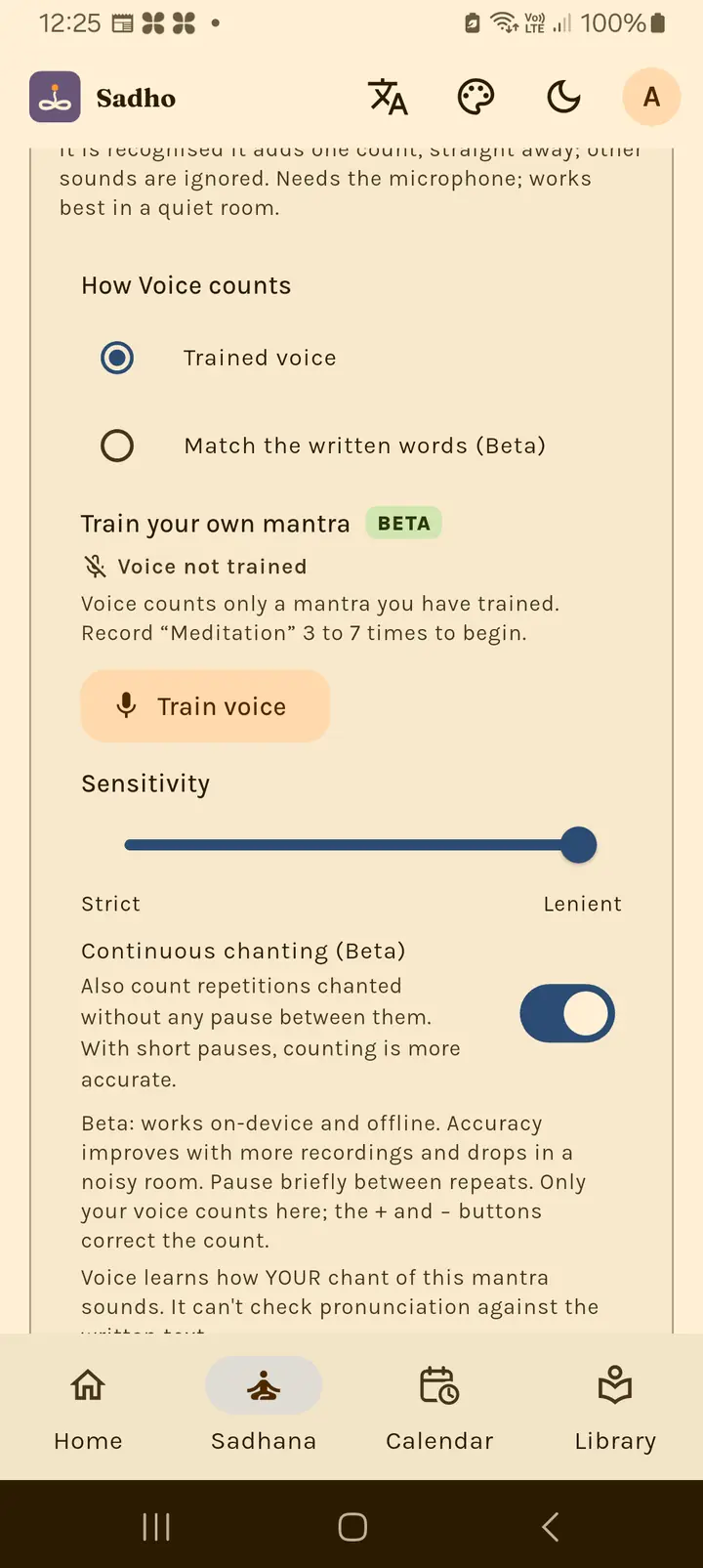
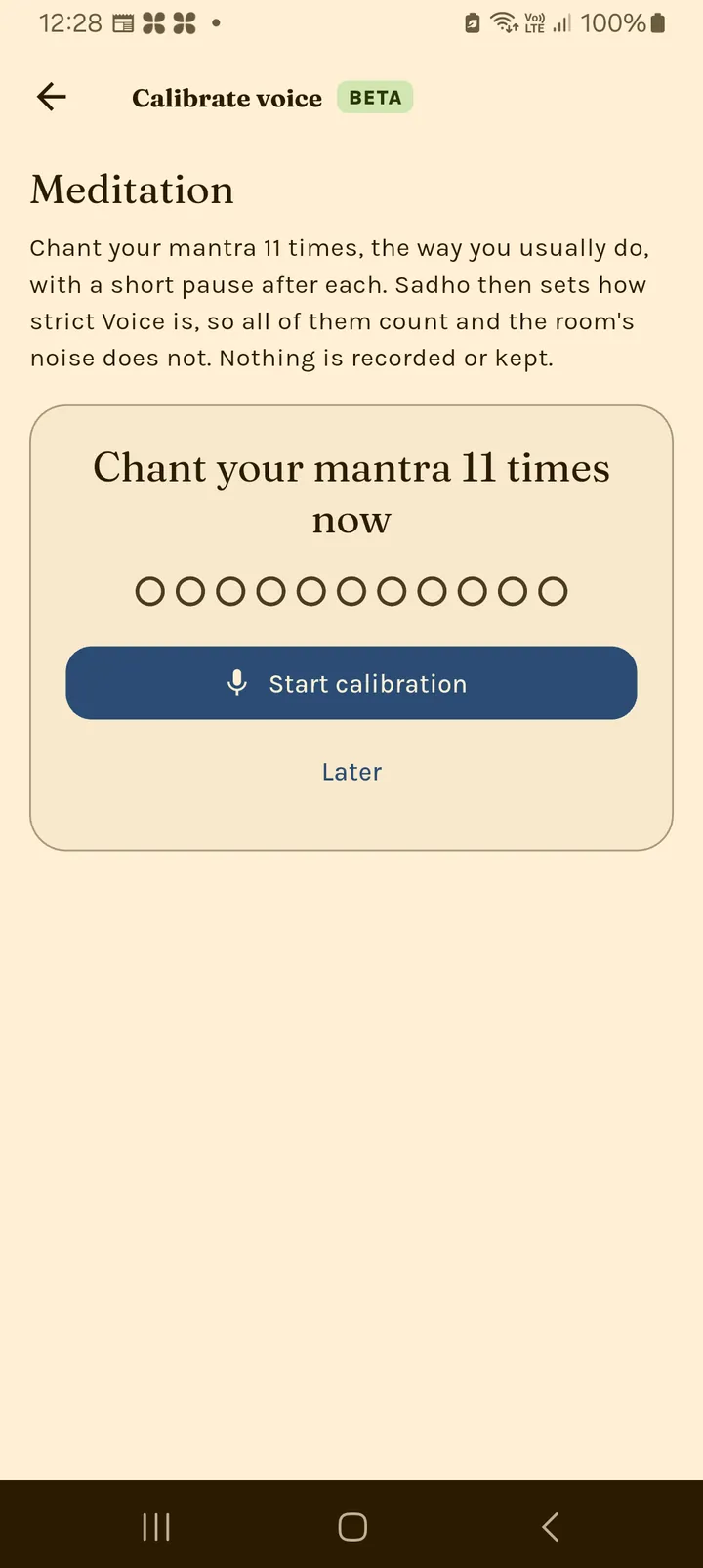
You record the mantra a few times; after that the app counts each time you say it. Everything runs on your phone, also offline, and only numbers are kept, never your voice. If it counts too much or too little, use Calibrate or change Sensitivity (Strict, Medium, Lenient).
What is "Match the written words"?
It needs no training: the phone's speech recogniser listens for the words of the mantra in Hindi, Punjabi or English (India). It is in beta and the screen must stay on. Online recognition stays off unless you allow it; when on, your voice may go to Google to be recognised.
Voice does not count well. What can I do?
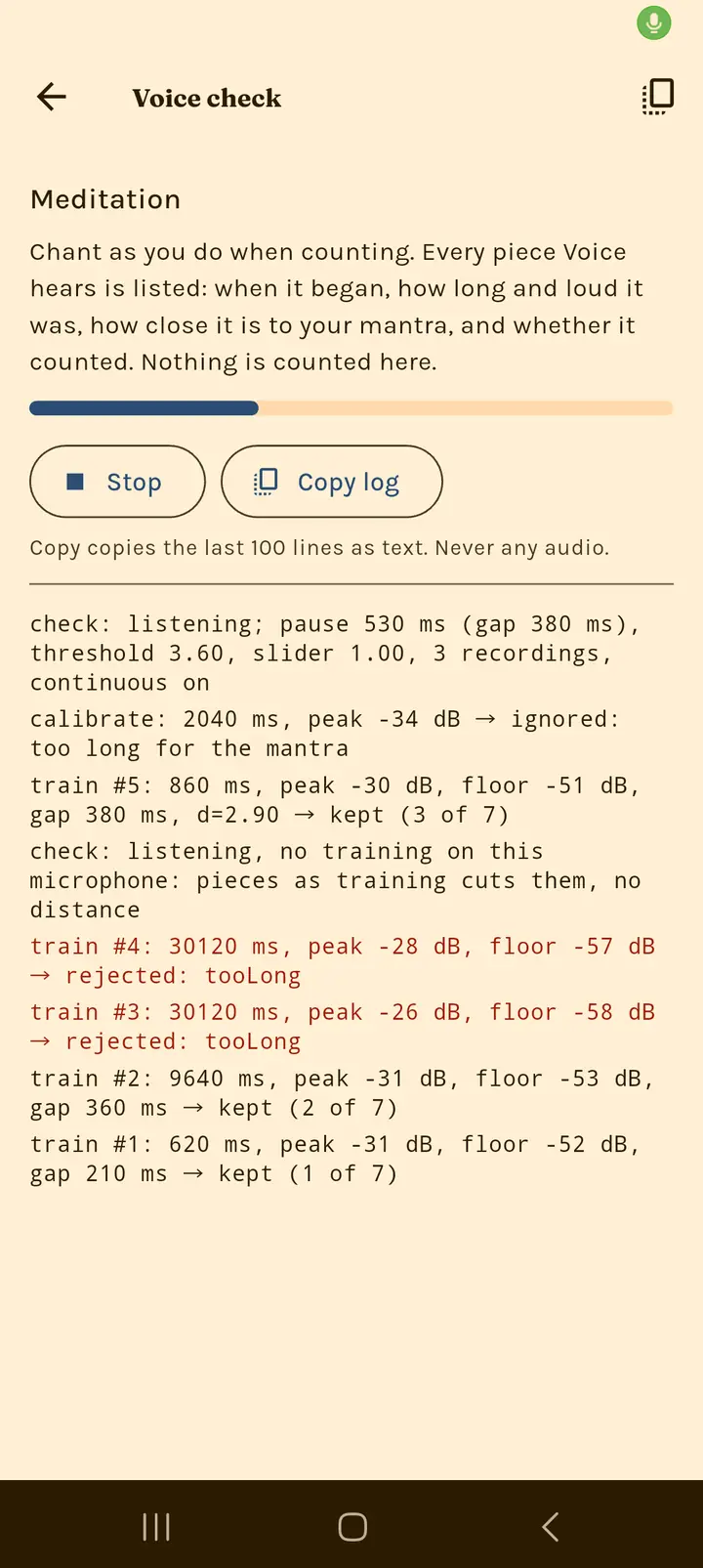
Chant clearly at a steady pace, add more samples or train again, and try Medium or Lenient. Voice check shows what the app heard (never audio) and lets you copy the log to send to us. If the microphone is not allowed, Sadho goes back to Tap.
What does the microphone do, and what leaves my phone?
The microphone is on only while a Voice session runs. Trained voice turns the sound into numbers on the phone and compares them with your training; no sound is recorded or kept, and the training (numbers only) is never synced to your account. "Match the written words" uses the phone's own speech recogniser; only if you turn on online recognition does the sound go to Google. With "Help improve Sadho" on, the app notes only that a Voice session started and whether what it heard was counted, never the sound or the words.