Sadho
SadhoSadhana
The screenshots show a made-up person, “Demo Sadhak”, and demo data.
Last updated:
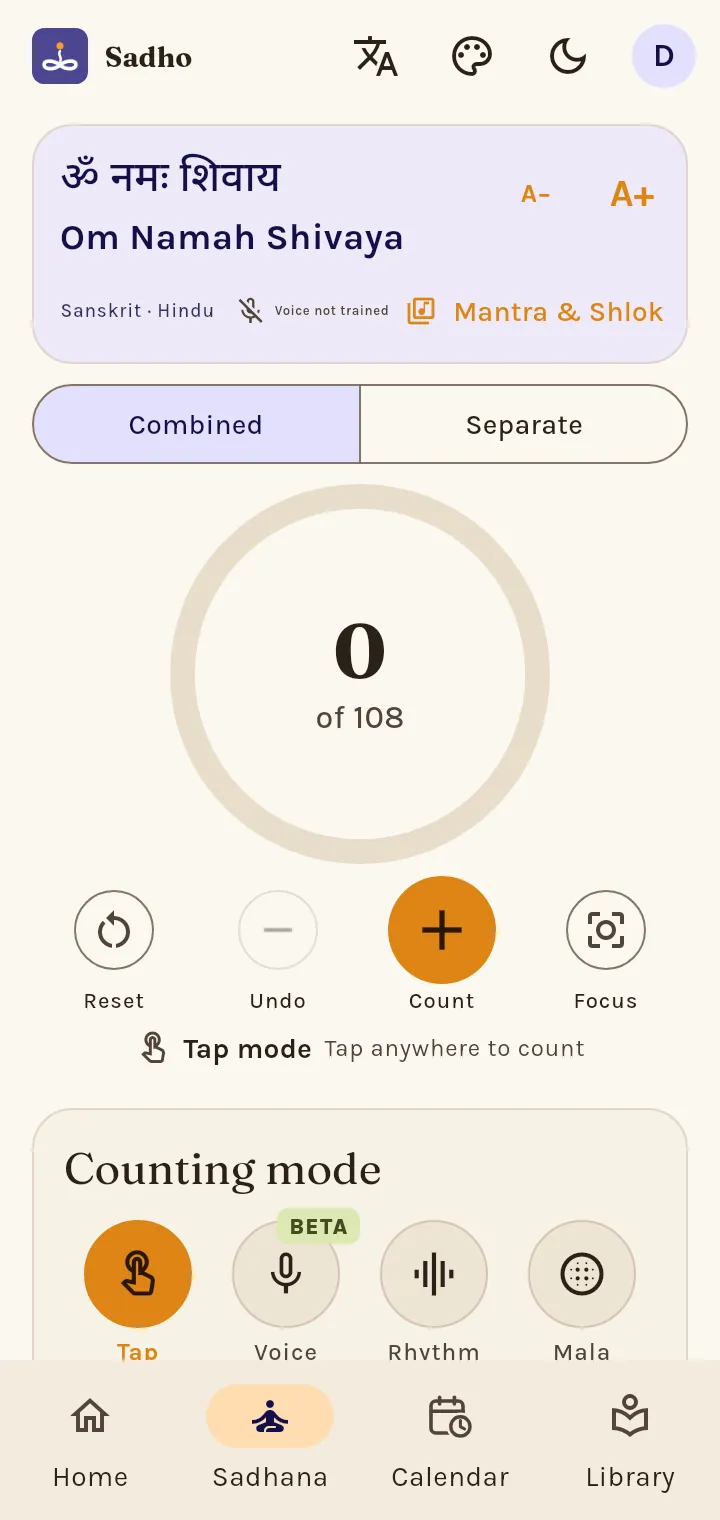
Which counting modes are there?
Tap counts each tap on the ring (on a computer, Space or Enter too). Voice counts what you chant (beta). Rhythm counts by itself at the pace you set. Mala counts with the phone's volume keys, even with the screen off. Voice and Mala are in the Android app only.
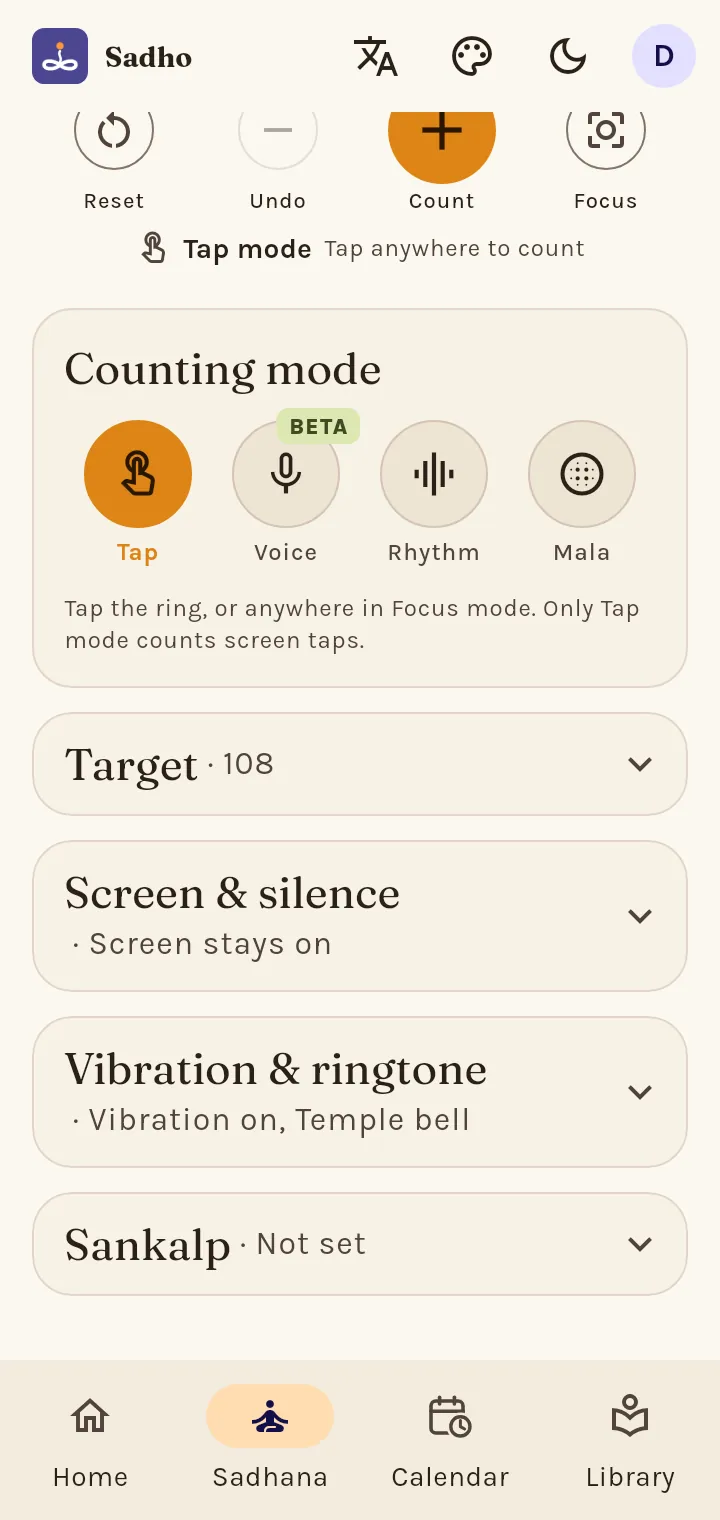
How do I set a target?
Under Target choose By count (for example 108) or By time. When you reach it the phone rings and vibrates the way you set in "Vibration & ringtone".
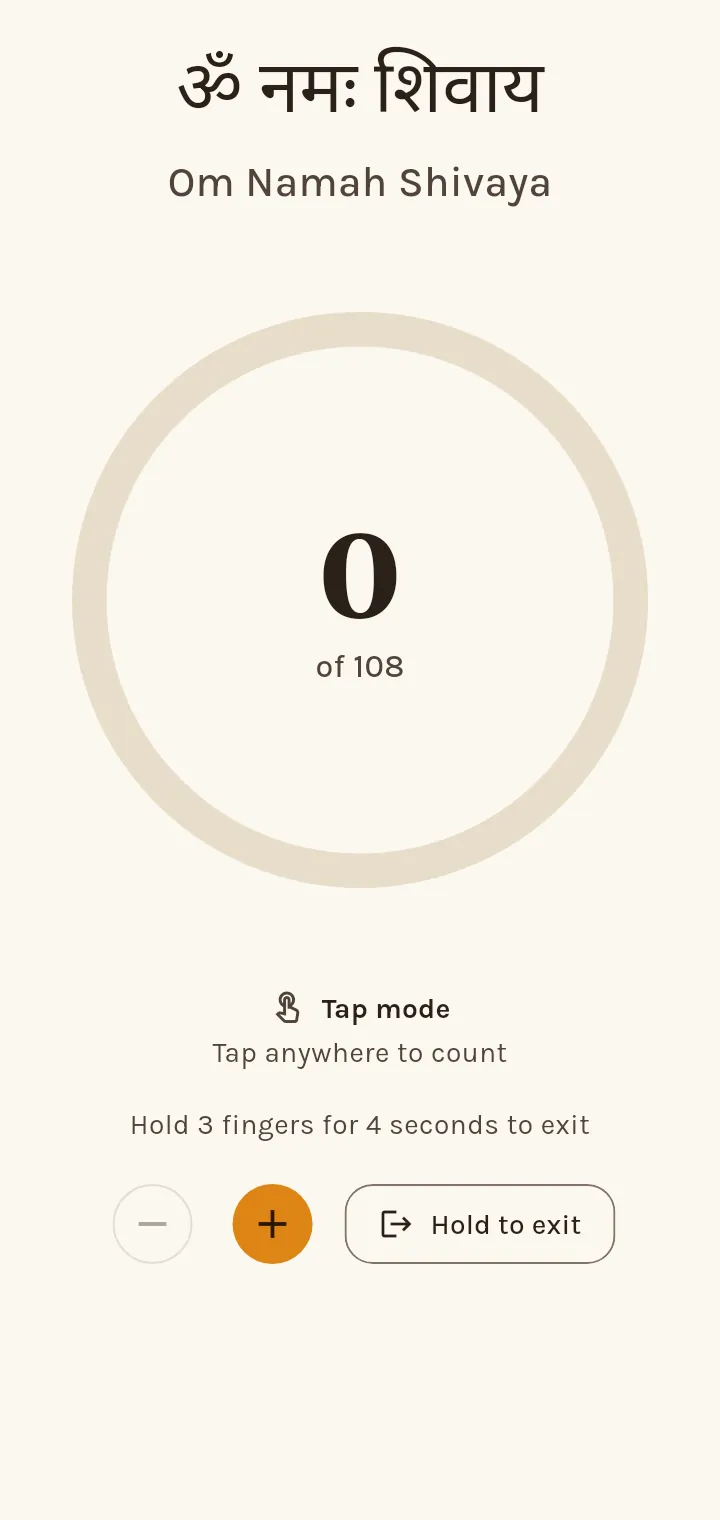
What is Focus mode?
Focus fills the screen so that a tap anywhere counts and nothing else distracts you. To leave, hold three fingers on the screen or hold the exit button; how long is set in Profile › Settings › Sadhana.
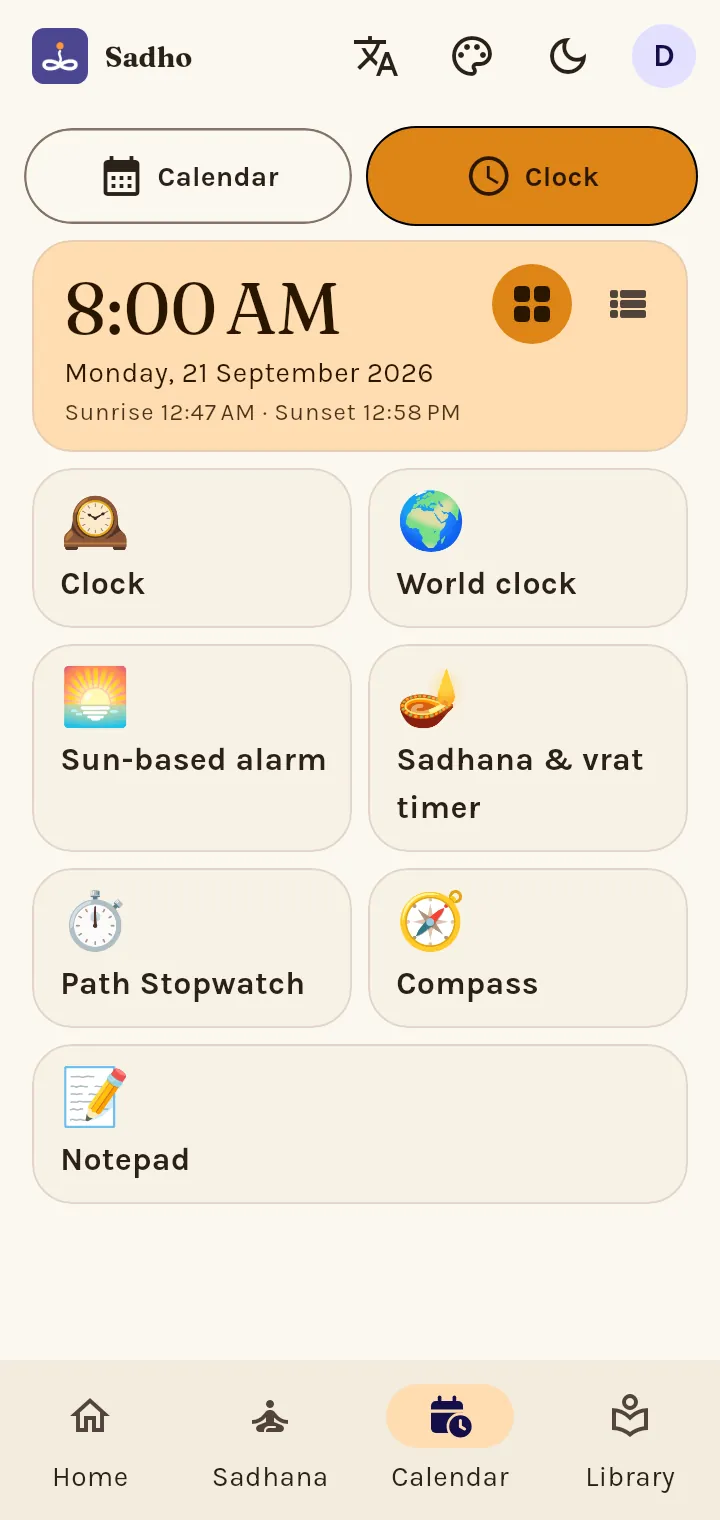
Where are the timer, stopwatch and notepad?
On the Calendar tab, switch to Clock. There you find the Sadhana & vrat timer (with presets like Aarti, Path and "Vrat → sunset"), the Path stopwatch with saved timings, the world clock and the Notepad.