 Sadho
SadhoCalendar & Clock
The screenshots show a made-up person, “Demo Sadhak”, and demo data.
Last updated:
How do I mark a day?
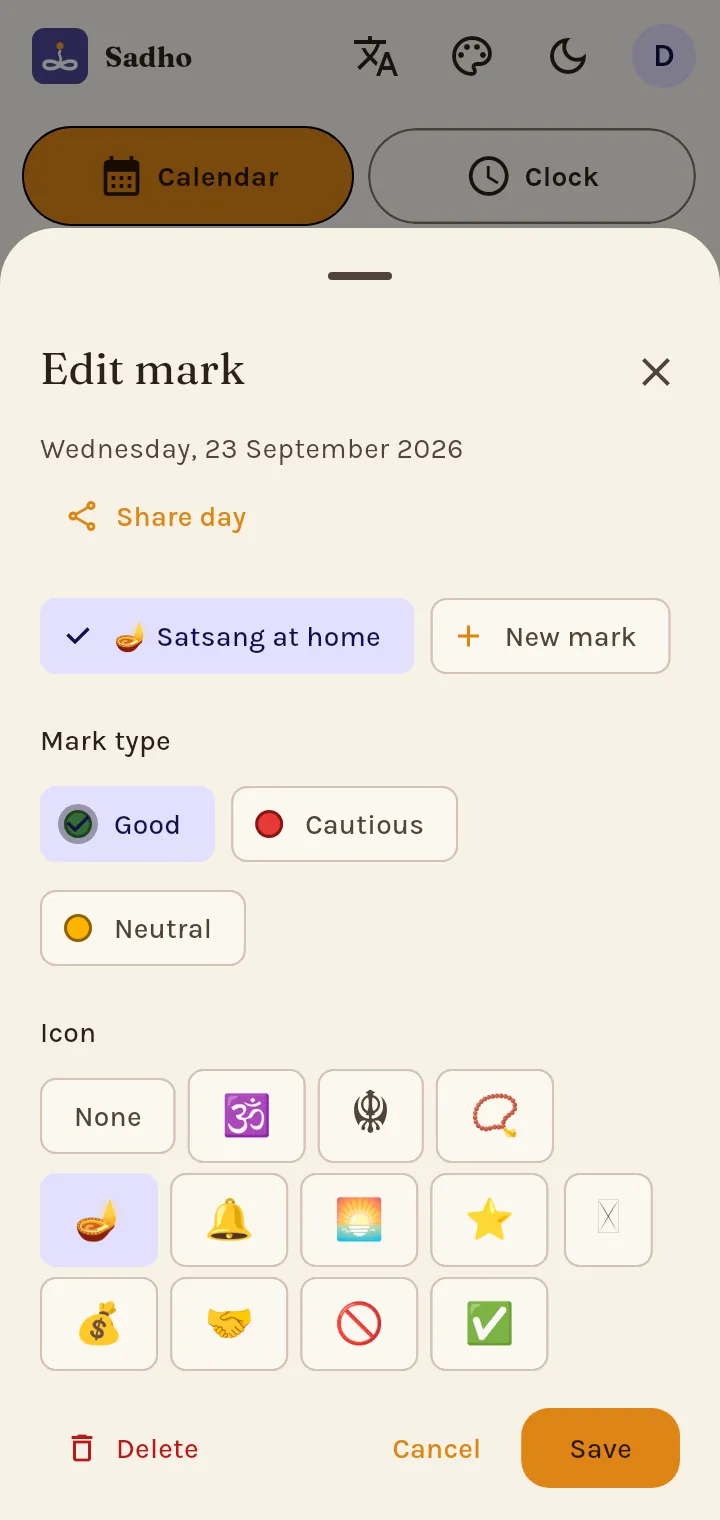
Tap a date, then New mark. Choose Good, Cautious or Neutral, an icon, a label and notes, a reminder (Android app), how often it repeats, and whether it shows on your Home screen.
How are festival and Gurpurab dates worked out?
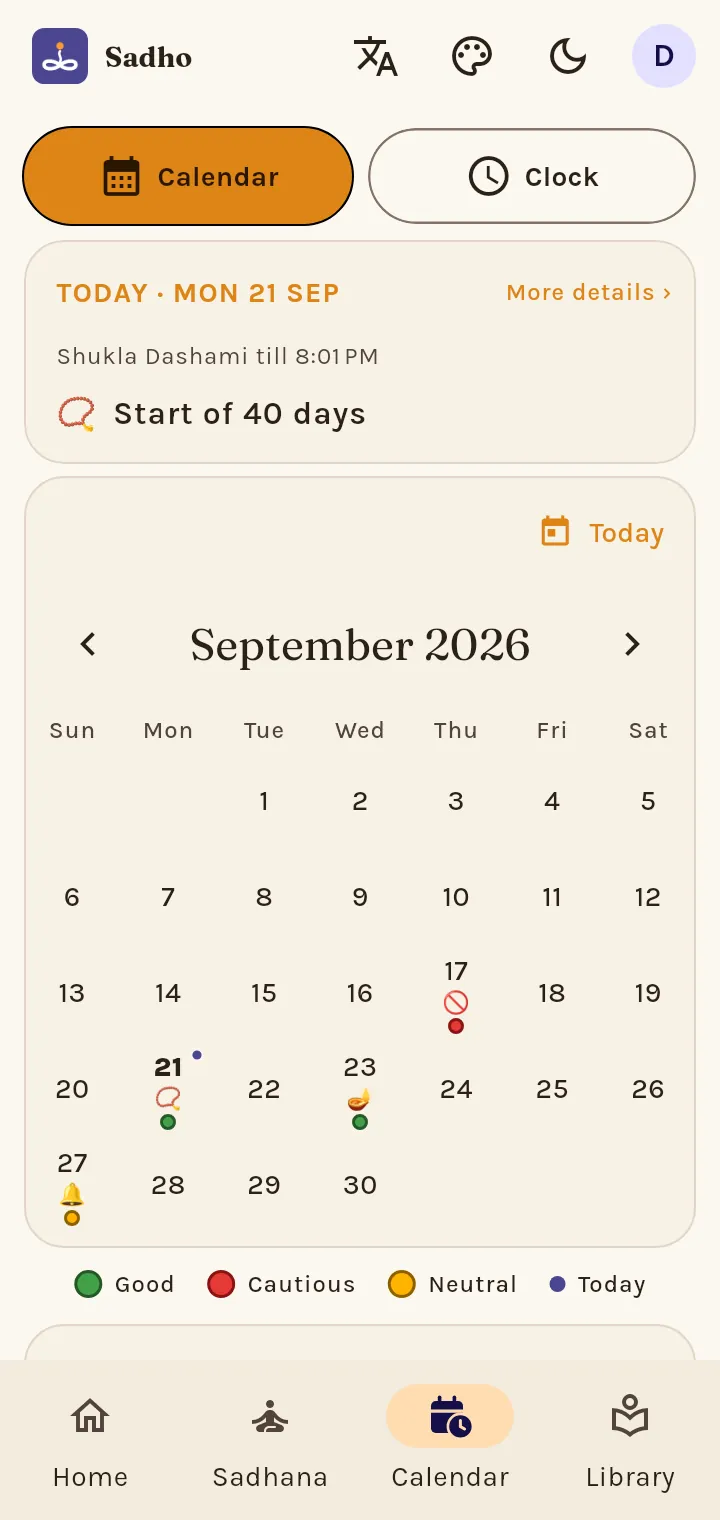
Festivals and vrat are worked out on your phone from the panchang for your place; nothing is copied from a printed calendar. Gurpurab dates follow SGPC's Nanakshahi Jantri and the original Nanakshahi calendar; choose which in Profile › Settings › Home.
Why does it say Amritsar?
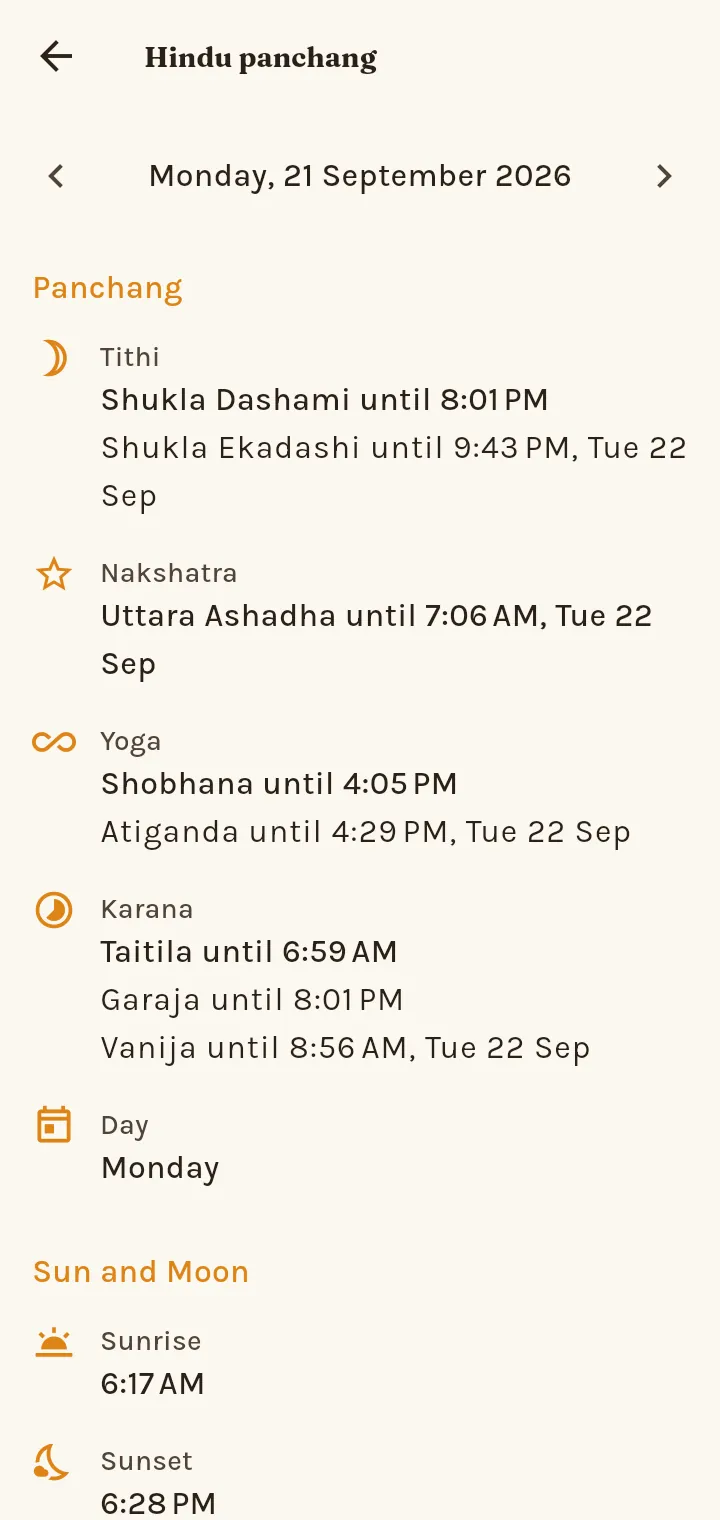
Without your location Sadho uses Amritsar. Allow location ("Use my location") for the exact sunrise and timings where you are. Your exact location stays on the phone and is never synced.
My alarm was late or silent.
Open Profile › Settings › Calendar & Clock › Alarms & reliability. It checks notifications, exact alarms, full-screen alerts, battery saving and Do Not Disturb, each with a Fix button, and lists the recent alarm events.